3. Connecting Channels
Channels define where an agent can receive and send messages.
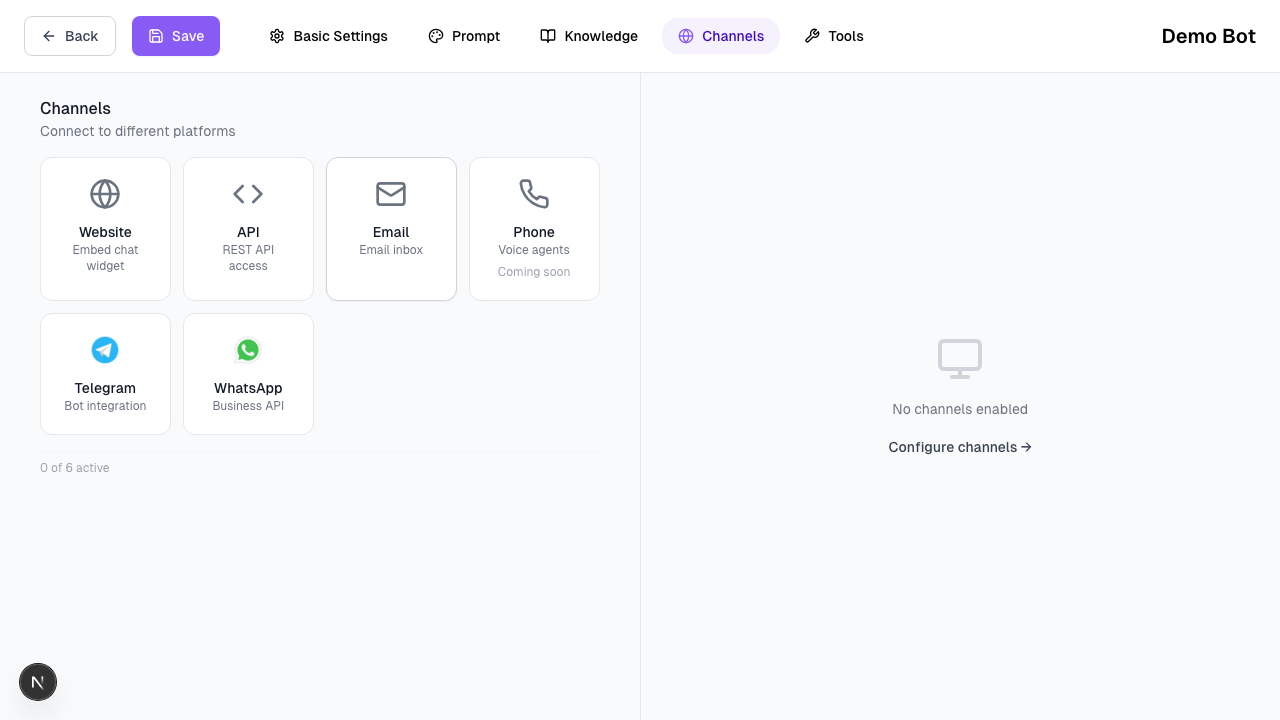
In Texterz, channels are transport layers.
Business logic, knowledge access, and behavior always remain inside the agent.
The same agent can be connected to multiple channels without modification.
How Channels Work
- Channels handle message delivery and formatting
- Agents handle logic and decision-making
- Knowledge and tools are shared across channels
Connecting a channel does not change how the agent behaves.
1. Web Widget
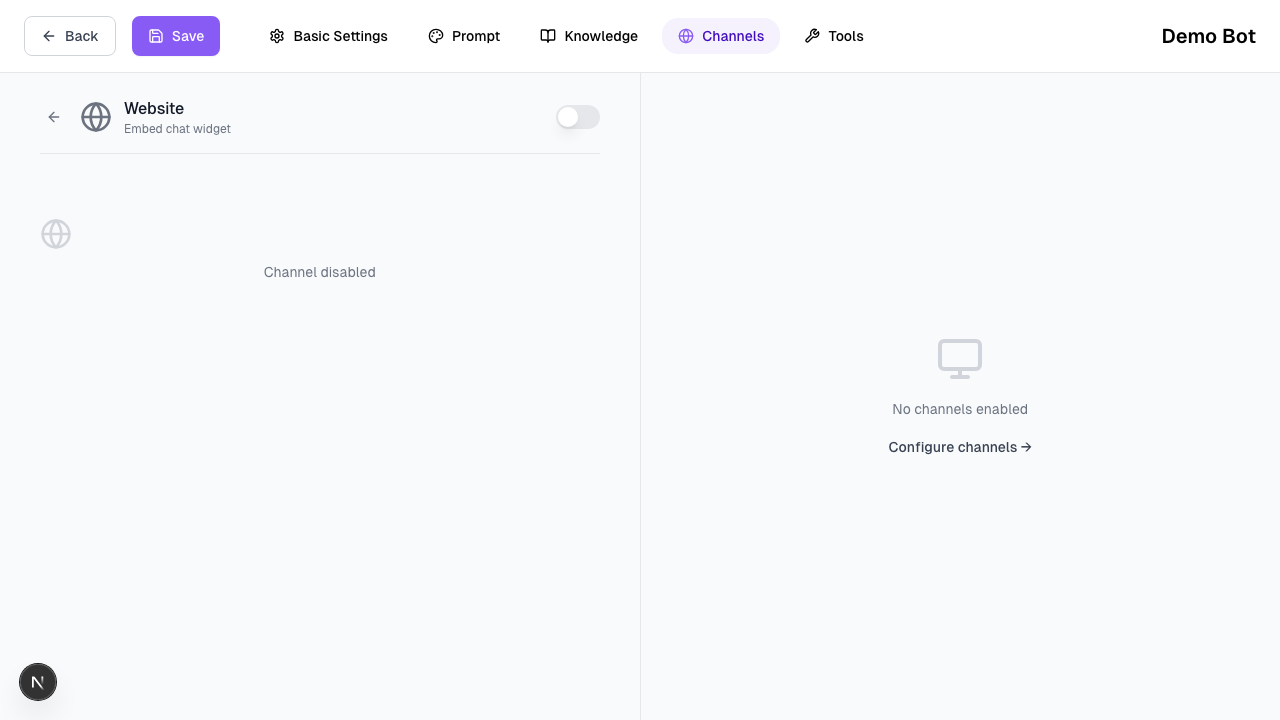
The Web Widget is the fastest way to test and deploy an agent.
-
Customization
Configure colors, icon, and the initial welcome message. -
Deployment
Copy the JavaScript snippet and embed it on your website. → View Web Widget Guide -
White-labeling
Higher plans can remove Texterz branding.
The Web Widget supports inbound conversations only.
2. WhatsApp
WhatsApp is supported through the official Meta Business API for maximum stability and compliance.
WhatsApp Official API (Meta)
Connect your WhatsApp Business account to send templates and handle customer inquiries.
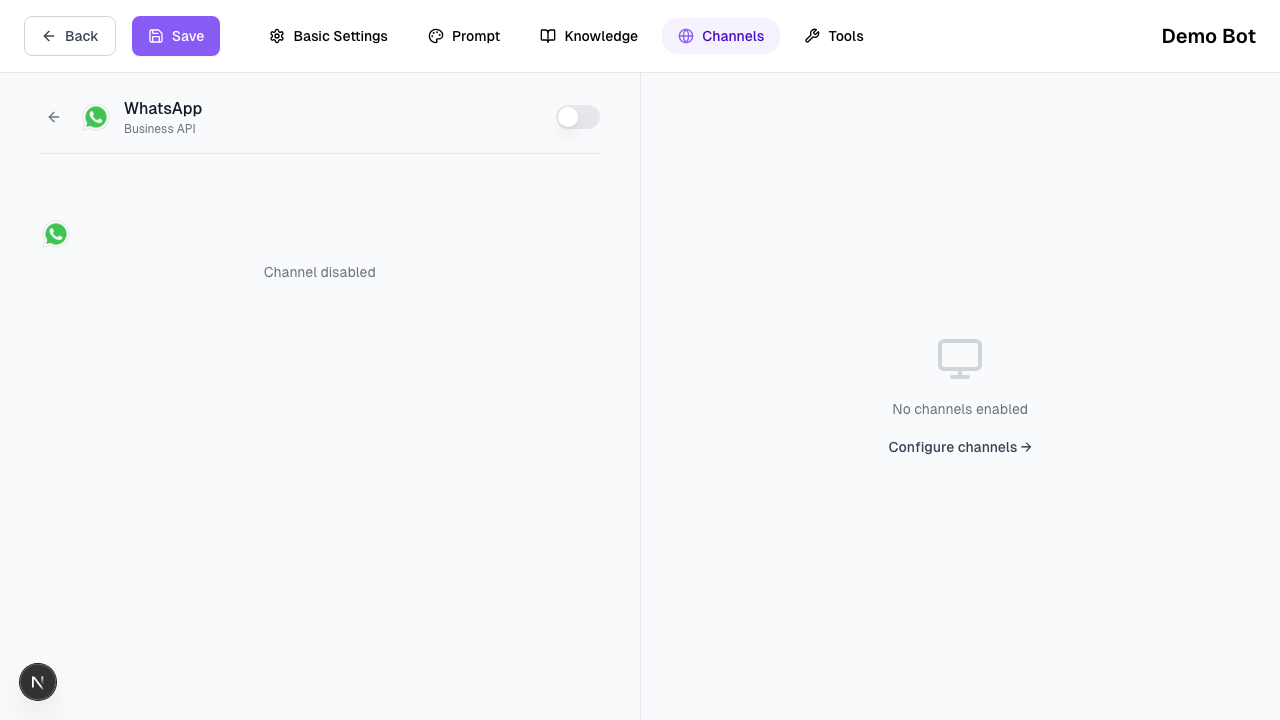
- Designed for production usage and high message volumes.
- Requires a Meta Business account.
- Supports approved message templates for outbound messaging.
Outbound messages must use Meta-approved templates.
Once a user replies, the agent can respond freely within Meta’s 24-hour session window.
3. Email & SMS
Email and SMS allow agents to handle asynchronous communication.
-
Email
Incoming emails are processed by the agent and answered using assigned knowledge. → View Email Guide -
SMS
Used primarily for outbound messaging and follow-ups. → View SMS Guide
These channels share the same agent logic as chat-based channels.
4. Social Channels
Instagram
- Handles inbound Direct Messages
- Designed for customer inquiries and replies
- Requires a connected business account → View Instagram Guide
Telegram
- Deploy agents to private chats or groups
- Supports inbound and outbound messages
- Useful for community or support use cases → View Telegram Guide
Before Moving On
Verify that:
- The correct agent is assigned to each channel
- The channel matches the intended use case (inbound vs outbound)
- WhatsApp usage follows Meta policy requirements
Next Step
Once channels are connected, agents can trigger tools: