4. Tools
Tools allow agents to execute predefined functions during a conversation.
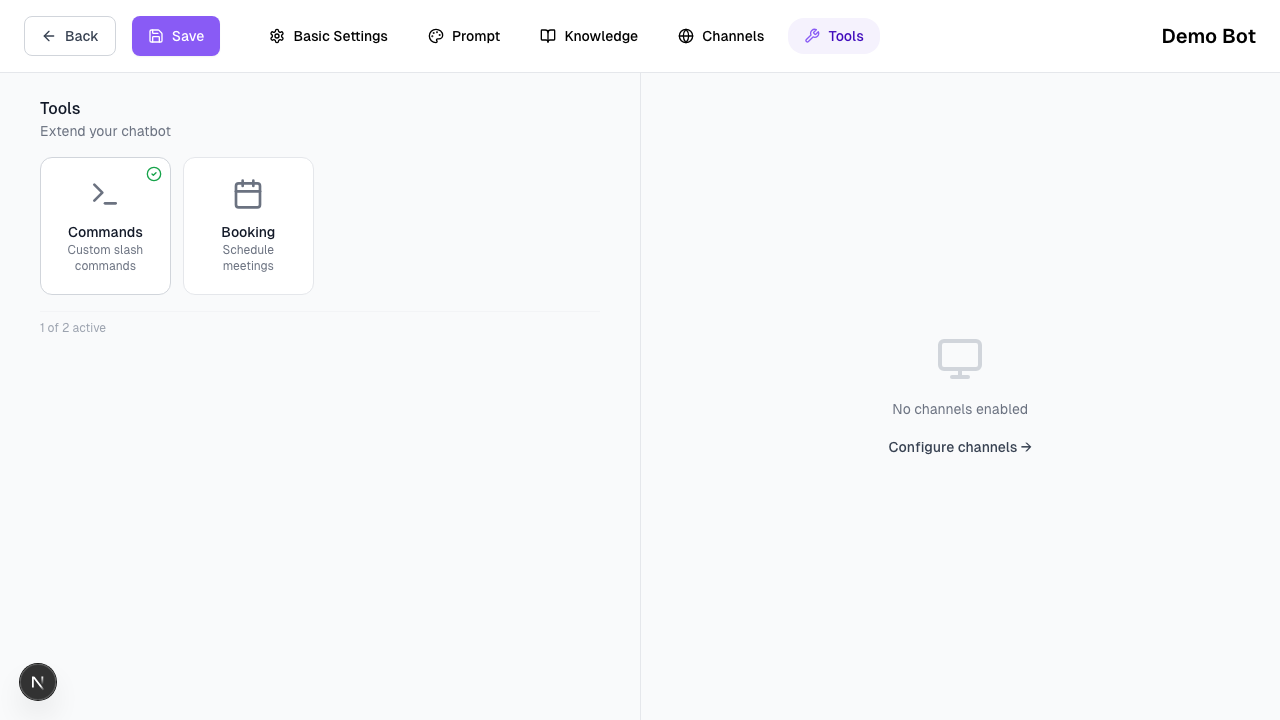
An agent can only use tools that are explicitly enabled.
Tools do not change how the agent thinks — they only extend what it can do.
What Tools Are (and Are Not)
Tools in Texterz:
- Are triggered by the agent when conditions are met
- Execute deterministic functions outside the LLM
- Return structured results back to the agent
Tools are not:
- Fully automated workflows
- CRM systems
- Background automations
1. Meeting Scheduling (Booking)
Texterz provides a native tool for Meeting Scheduling (supporting Calendly and Cal.com).
How It Works
- The agent detects booking intent during the conversation
- A booking link is shared with the user
- Once a meeting is booked, the agent can acknowledge completion
The agent does not modify calendar data directly.
Scheduling is handled entirely by the provider.
2. Webhooks (Advanced)
For advanced setups, agents can trigger Webhooks when specific events occur.
Examples:
- Lead information completed
- Meeting booked
- Human handoff requested
Webhooks allow external systems to receive event data and handle further processing.
3. Human Escalation
Agents can request human intervention when:
- A question cannot be answered with assigned knowledge
- A predefined condition is met (e.g. high-value lead)
Escalated conversations appear in the Texterz dashboard for manual handling.
Before Moving On
Verify that:
- Only required tools are enabled for the agent
- Booking links are correct and active
- Webhook endpoints are reachable and tested
Next Step
Once tools are configured, you can initiate proactive messaging: