Platform Overview
Texterz is a modular AI agent infrastructure built for agencies operating multiple client deployments.
Instead of building isolated bots per channel or per client, Texterz provides a shared backend with strict tenant isolation, allowing the same system to power many white-labeled agents across channels.
This page explains the core system components and how they interact at runtime.
Core System Components
Texterz is composed of five primary layers:
- Knowledge
- Agents
- Channels
- Tools
- Outbound Campaigns
Each layer has a single responsibility and can be combined without duplicating logic.
1. Knowledge (Source of Truth)
Knowledge defines what an agent is allowed to know.
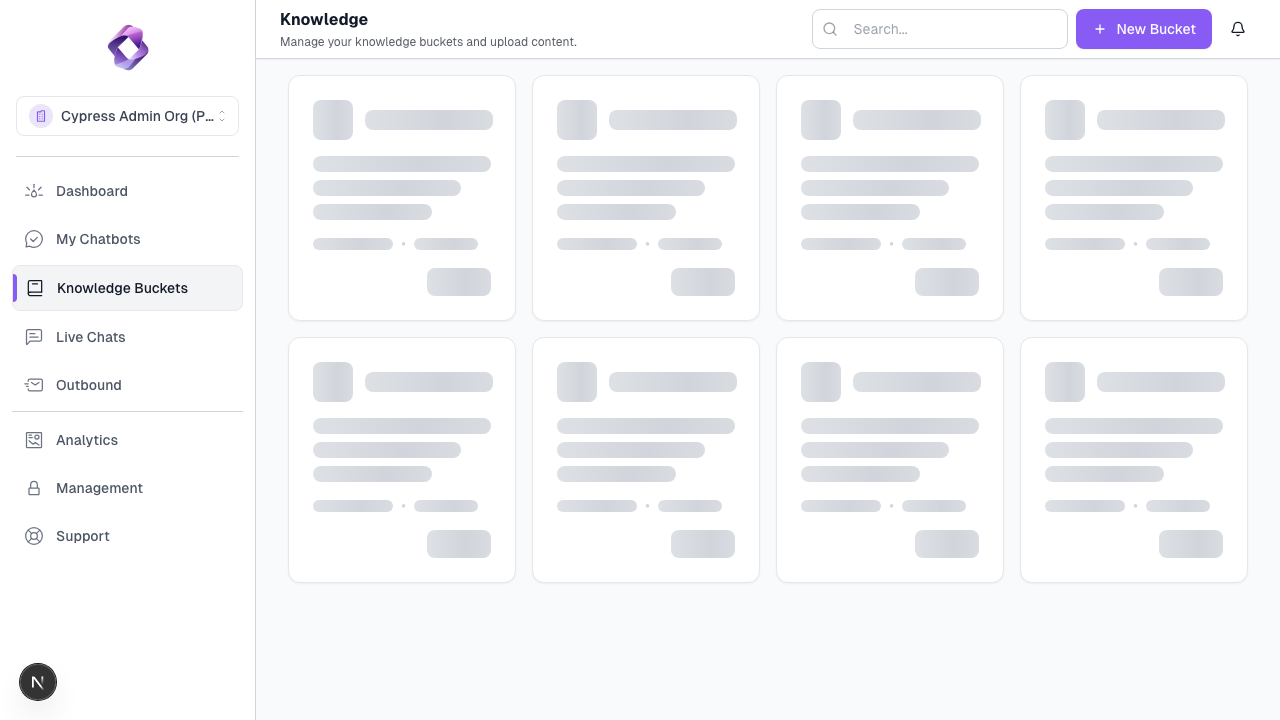
In Texterz, knowledge is stored in Knowledge Buckets, which act as controlled context containers.
- Supported formats: PDF, DOCX, TXT, Web URLs
- Knowledge is indexed and reused across channels
- Buckets are scoped per client and per organization
- Multiple agents can reference the same bucket
Knowledge never talks to users directly.
It is only accessed through an agent.
2. Agents (Decision & Behavior Layer)
Agents are the runtime logic layer.
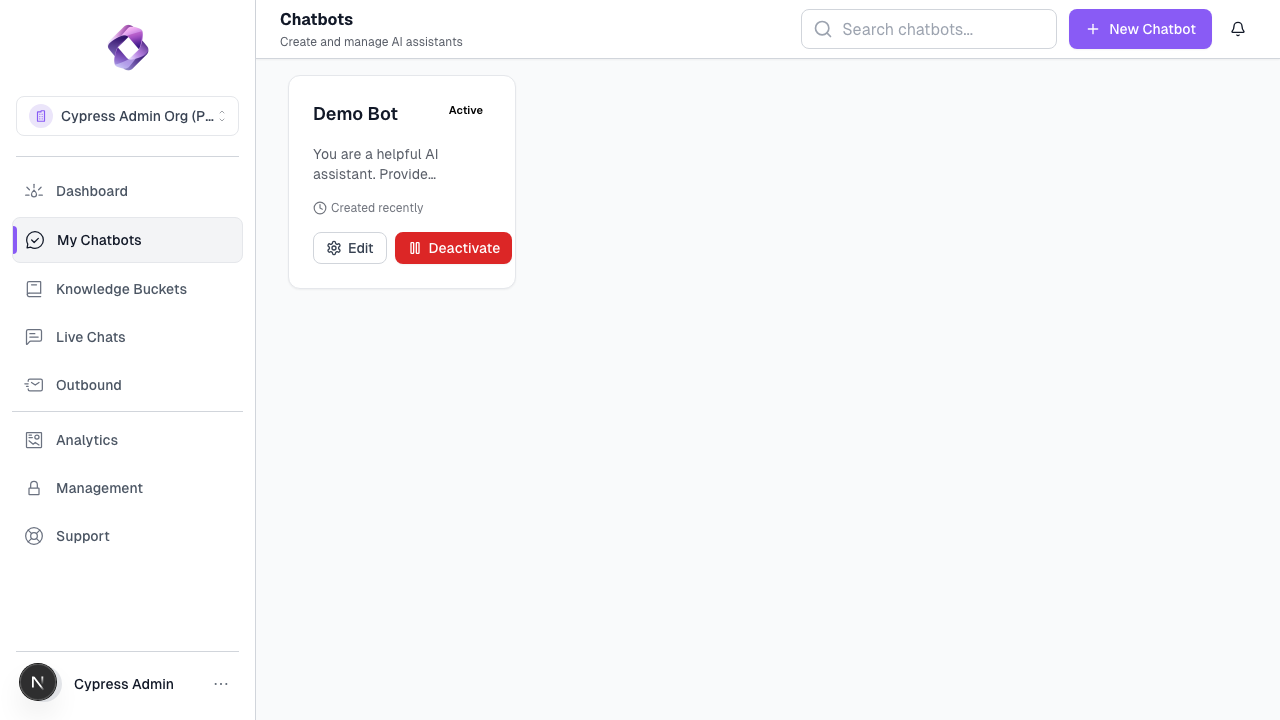
They define:
- Goals (e.g. qualify leads, answer support questions)
- Behavioral constraints and tone
- Which knowledge buckets can be accessed
- Which tools can be triggered
Agents are channel-agnostic.
The same agent can operate on WhatsApp, Web, Email, or Social without modification.
3. Channels (Transport Layer)
Channels connect agents to end users.
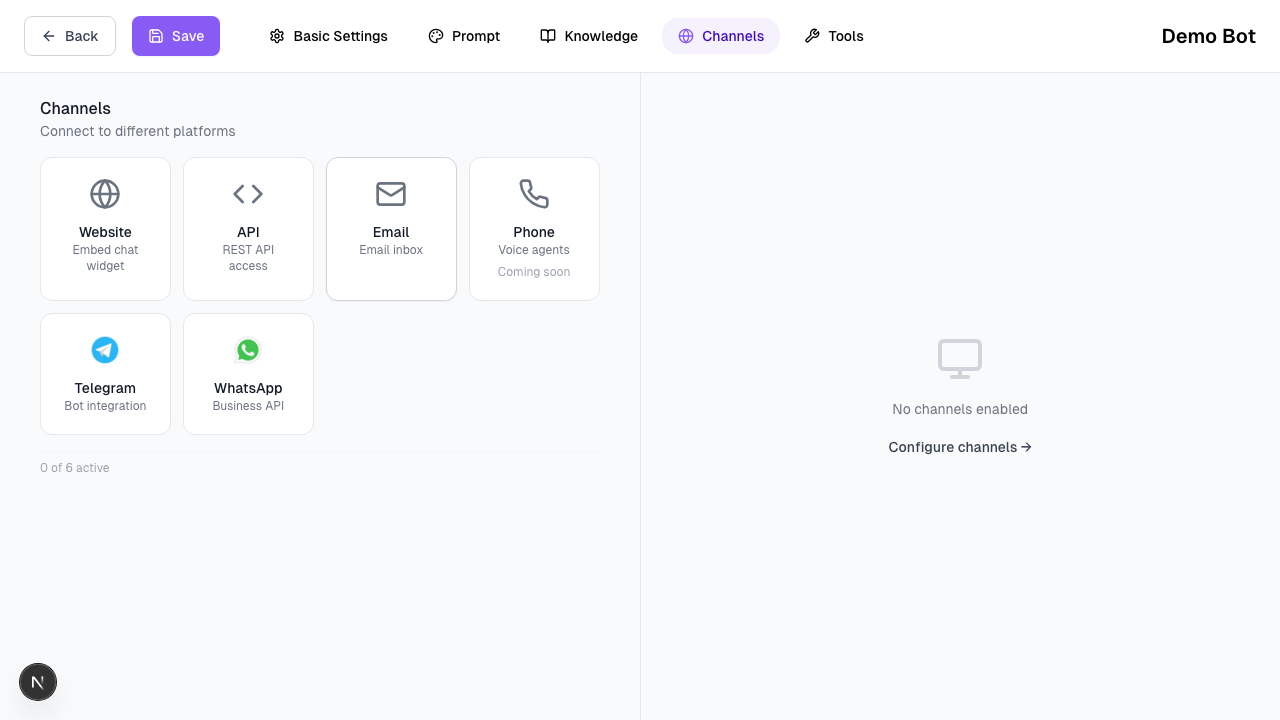
- Channels handle message delivery and formatting
- Business logic stays inside the agent
- No channel-specific duplication of prompts or knowledge
Supported channels:
- Web Widget
- Telegram
Agents remain unchanged regardless of where the conversation happens.
4. Tools (Execution Layer)
Tools allow agents to perform specific tasks, not just respond with text.
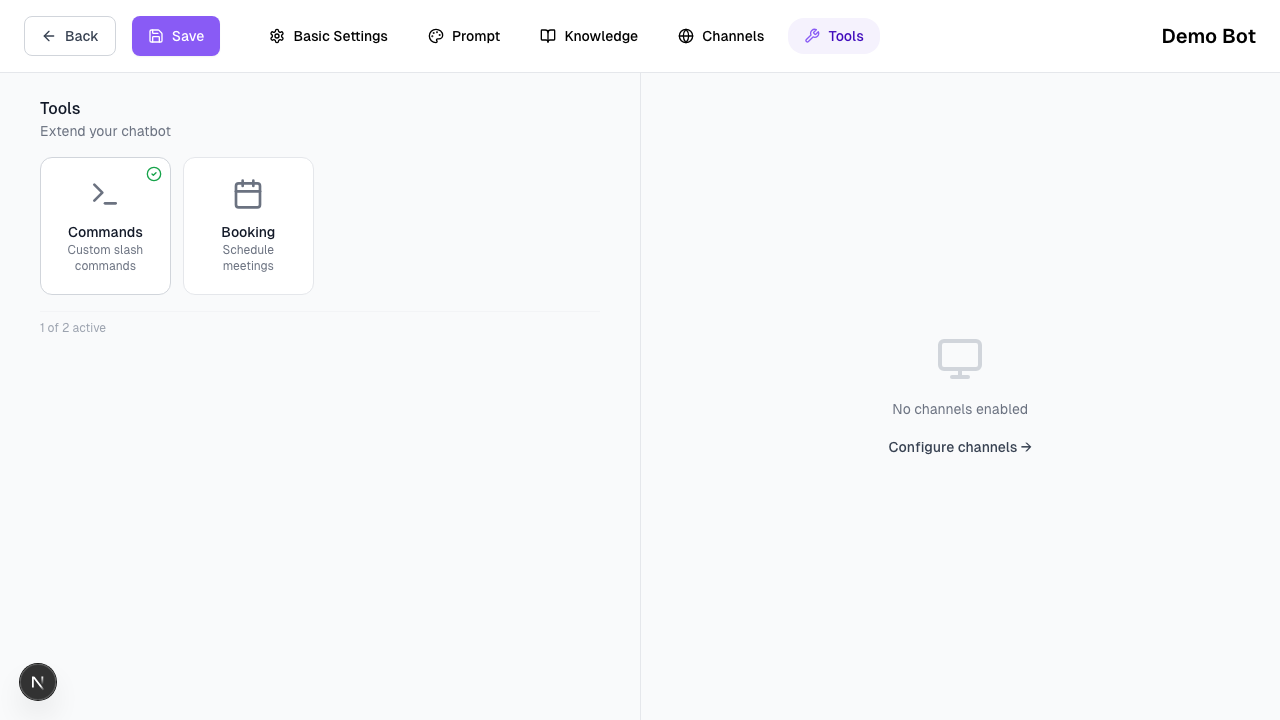
Example tool outcomes:
- Schedule appointments
- Submit structured data
- Trigger internal workflows
Key characteristics:
- Tools are explicitly enabled per agent
- Tool access is permissioned and controlled
- Tools are executed outside the LLM
Currently supported:
- Calendly (booking & scheduling)
5. Outbound Campaigns (Proactive Messaging)
Outbound Campaigns enable agent-driven outreach.
- Send messages across supported channels
- Reuse existing agents and knowledge
- Campaigns run within the same tenant and permission model
Typical use cases:
- Lead follow-ups
- Reactivation campaigns
- Notifications and reminders
Multi-Tenant Architecture
Texterz is built for agencies managing multiple clients.
- Each client operates as a Sub-Organization
- Data, knowledge, agents, and credits are isolated
- Branding and domains are configurable per client
This allows agencies to scale deployments without shared state or cross-client leakage.
Runtime Flow (Simplified)
At runtime, every interaction follows the same flow:
- A message enters through a channel
- The assigned agent receives the message
- The agent queries allowed knowledge buckets
- Optional tools are triggered if required
- A response is returned through the same channel
This flow remains consistent across all channels.
Next Steps
Start with the foundation:
1. Managing Knowledge