1. Managing Knowledge
This guide shows how to create and manage knowledge in Texterz so agents can answer questions correctly.
Knowledge in Texterz is stored in Knowledge Buckets and is only accessible through agents.
What Are Knowledge Buckets?
A Knowledge Bucket is a container for information that an agent can reference.
Buckets can contain:
- PDF, DOCX, or TXT files
- Web URLs
- Raw text
Buckets should be created per topic or use case
(e.g. Product FAQ, Support – Client A).
Buckets are scoped per organization and client.
→ Learn more about Organization Management
How Knowledge Is Used
- Knowledge does not respond to users directly
- Agents query their assigned buckets at runtime
- Only assigned buckets are accessible to an agent
This prevents agents from accessing unrelated or client-external data.
Create Your First Knowledge Bucket
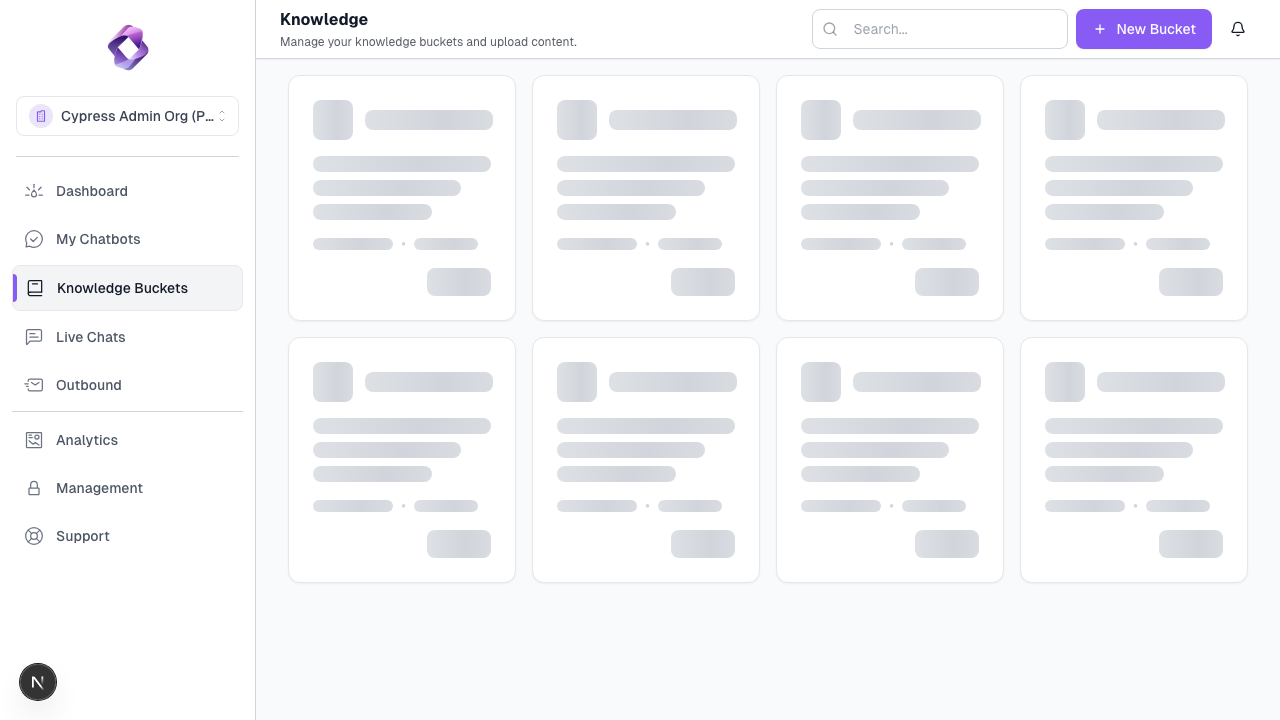
Step 1: Open Knowledge
Go to Knowledge in the dashboard.
Step 2: Create a Bucket
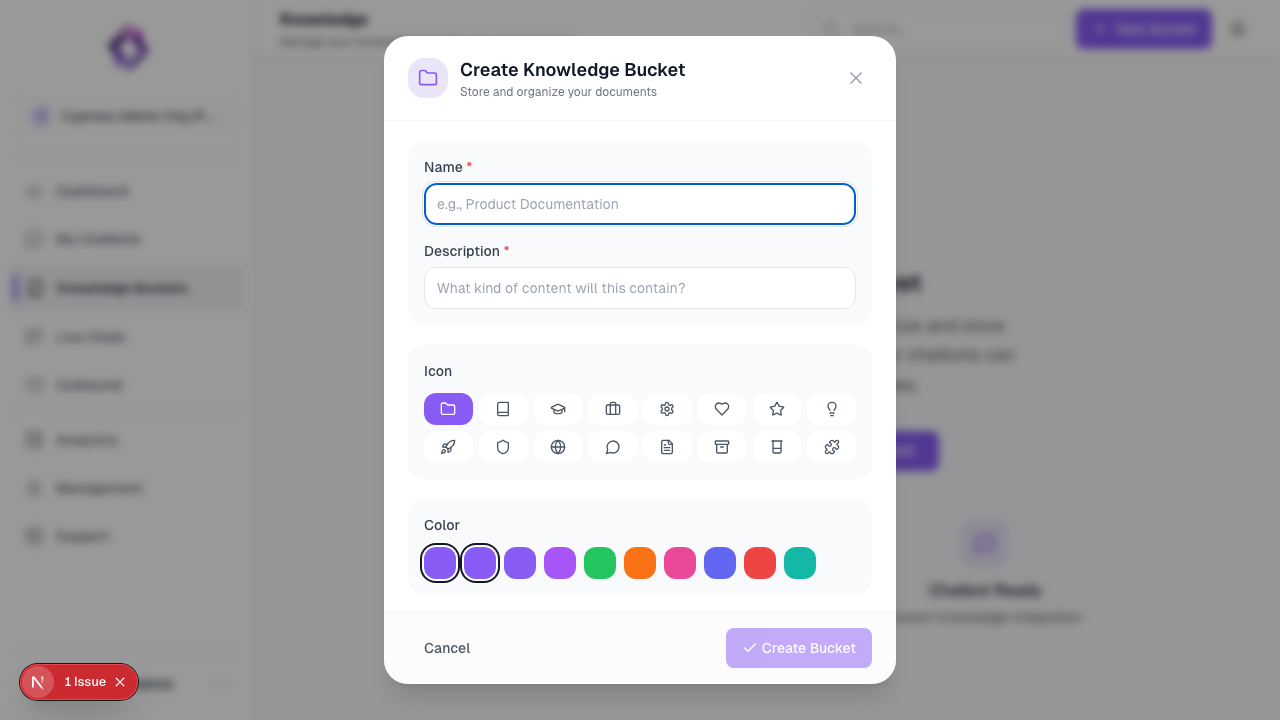
Click New Bucket and enter a descriptive name.
Use names based on content purpose, not file type.
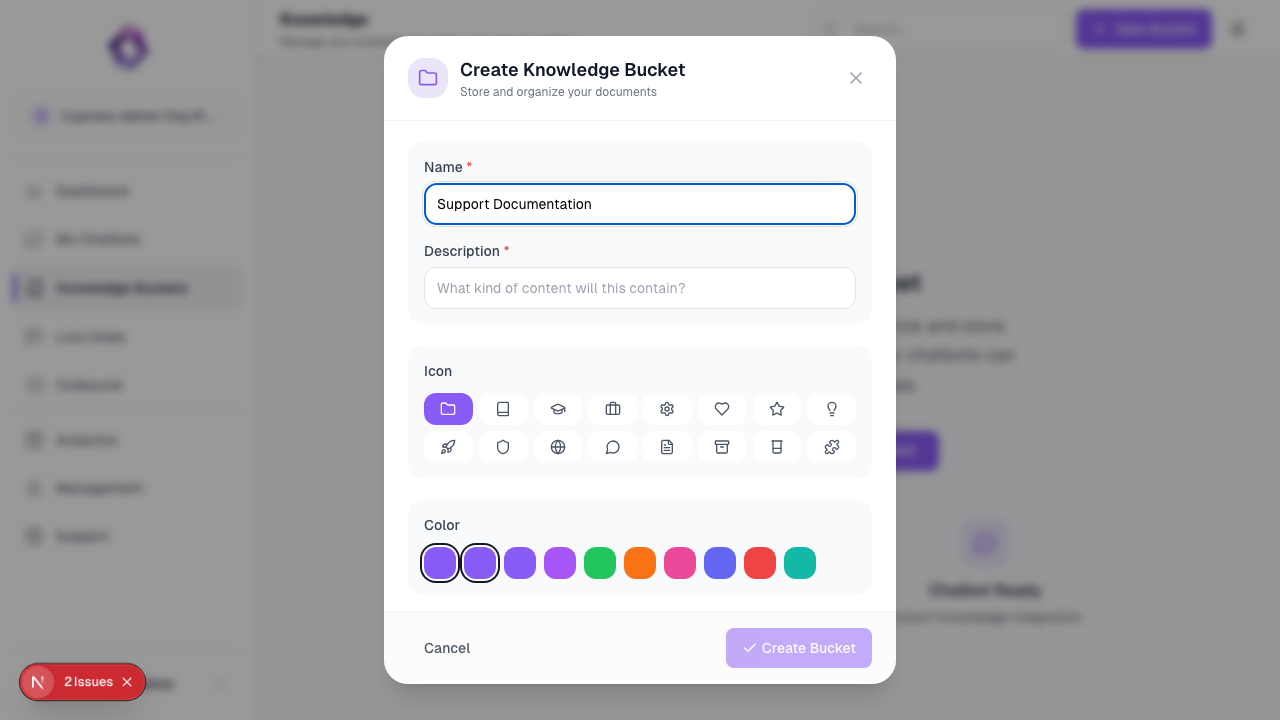
Step 3: Upload Content
Add the information your agent should reference. You can mix different content types within a single bucket:
- Files: Upload documents in PDF, DOCX, or TXT format.
- Websites: Enter URLs to crawl individual pages or entire sites.
- Raw Text: Paste text directly for quick notes or instructions.
- Q&A: Add specific question-and-answer pairs to fine-tune agent responses.
- Notion: Connect your Notion workspace to sync pages automatically.
Uploaded content is indexed and vectorized automatically, making it searchable for your AI agents in real-time.
Upload only content the agent should actively use.
Large or irrelevant documents reduce response quality.
Advanced Knowledge
For information on Retrieval Strategy, Similarity Thresholds, and Web Crawling, see the Advanced Knowledge Settings.
Next Step
Once knowledge is available, create an agent and attach the bucket: