Email & Live Chat Reference
Texterz supports professional inbound/outbound email handling and seamless escalation to human operators.
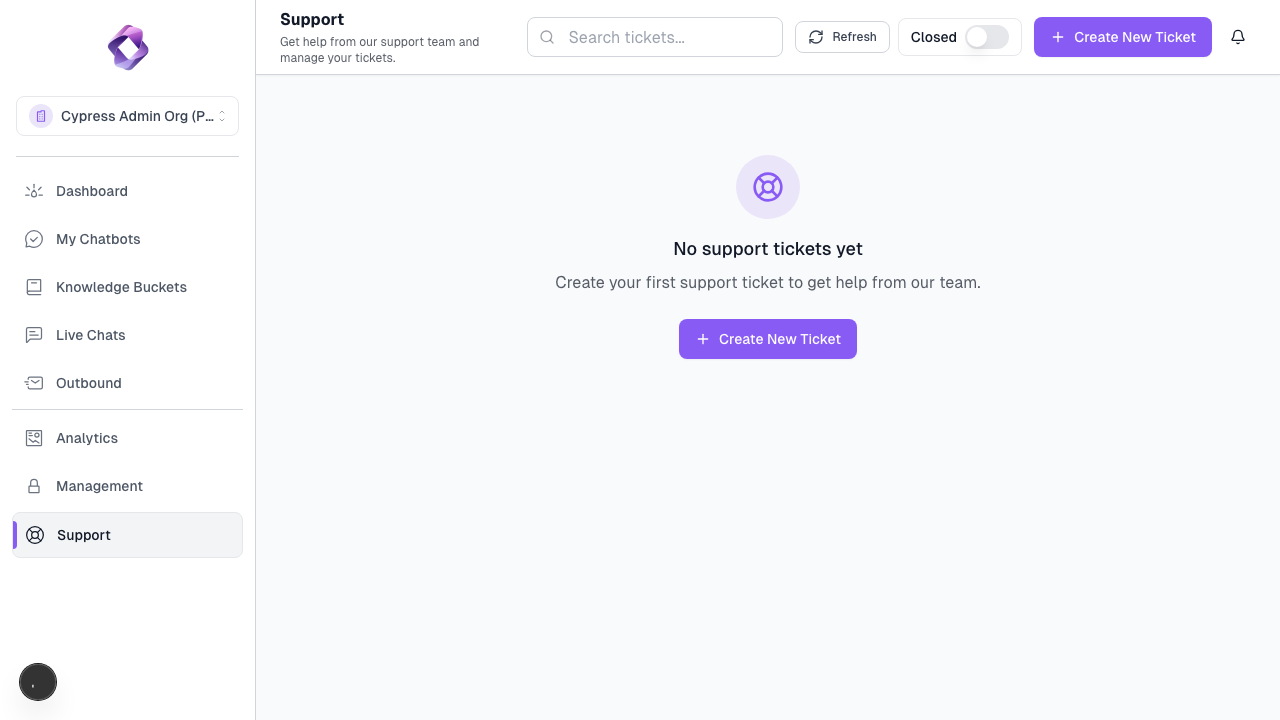
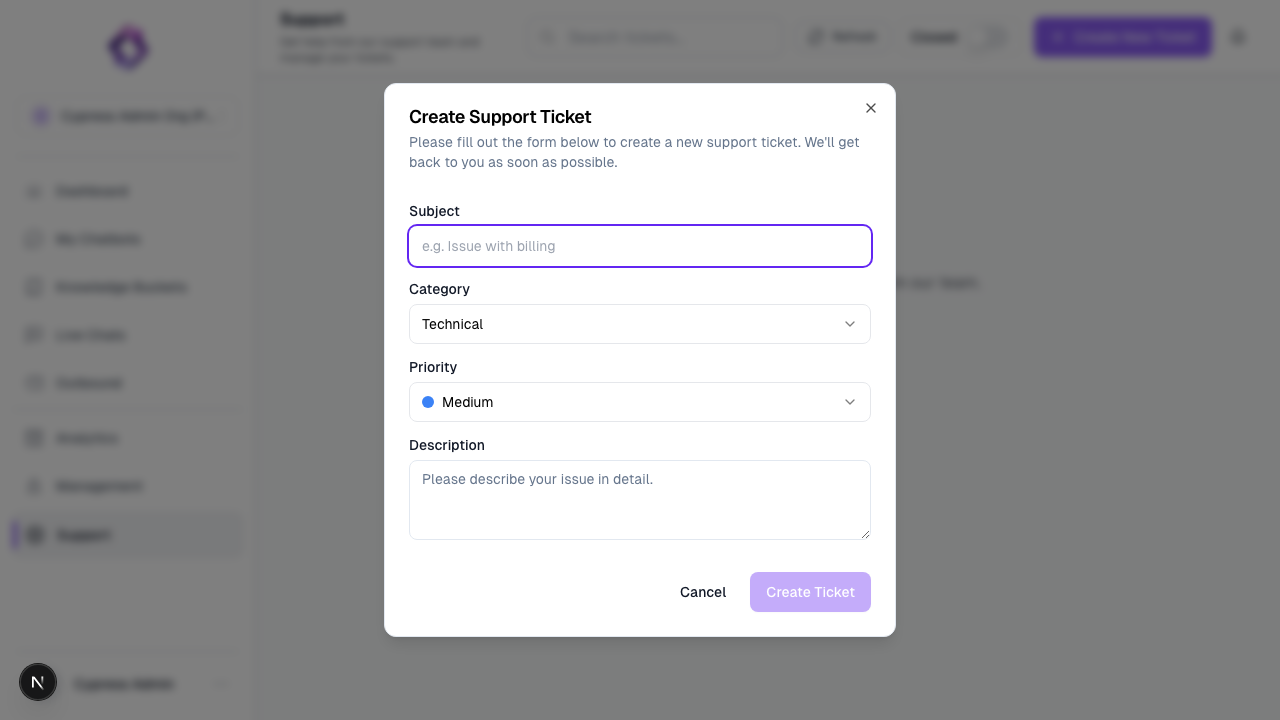
Email Infrastructure
Inbound Handling
- Managed Inboxes: We provide a managed email address (e.g.,
support@your-org.texterz.ai). - AI Processing: Every incoming email is processed by your agent. It searches the knowledge base and drafts a reply.
- Human Approval (Optional): You can configure the system to hold AI drafts for manual review before they are sent to the customer.
Outbound Campaigns
- Deliverability: We use high-reputation SMTP clusters to ensure your emails land in the inbox, not spam.
- Custom Namespaces: Pro users can define a
Template Namespaceto customize the headers, footers, and logos of all system emails.
Live Chat Escalation
When the AI identifies a situation it cannot handle, it triggers an escalation.
Escalation Triggers
- Explicit Request: "I want to speak to a human."
- Low Confidence: The AI cannot find an answer in the Knowledge Base with sufficient certainty.
- High-Value Event: Detecting specific keywords or sentiments that require immediate human attention.
Live Chat Dashboard
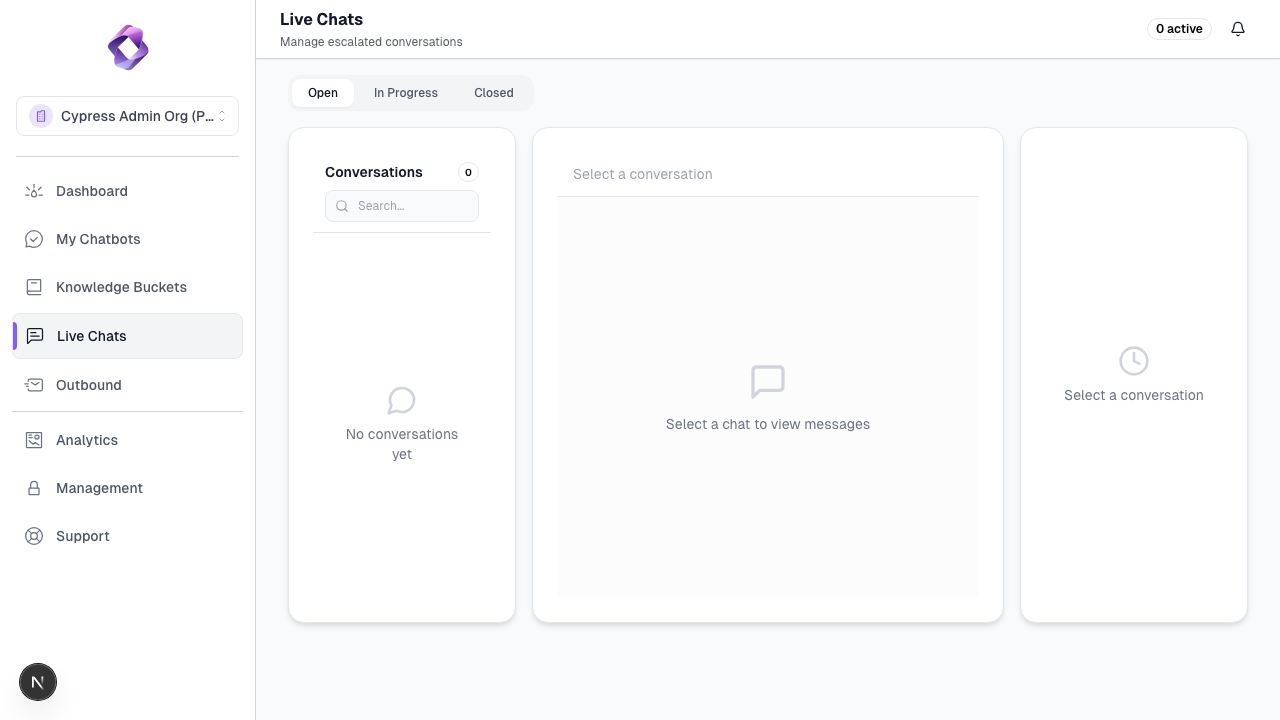
- Real-time Monitoring: See all active AI conversations in real-time.
- Takeover: One click allows a human operator to "hijack" the conversation. The AI stops responding, and the human takes control.
- Handback: Once the human has resolved the issue, they can hand the conversation back to the AI.
Channel Setup
For instructions on activating these features, see 3. Connecting Channels.