Billing & Subscriptions
Manage your agency's financial relationship with Texterz and automate billing for your own clients.
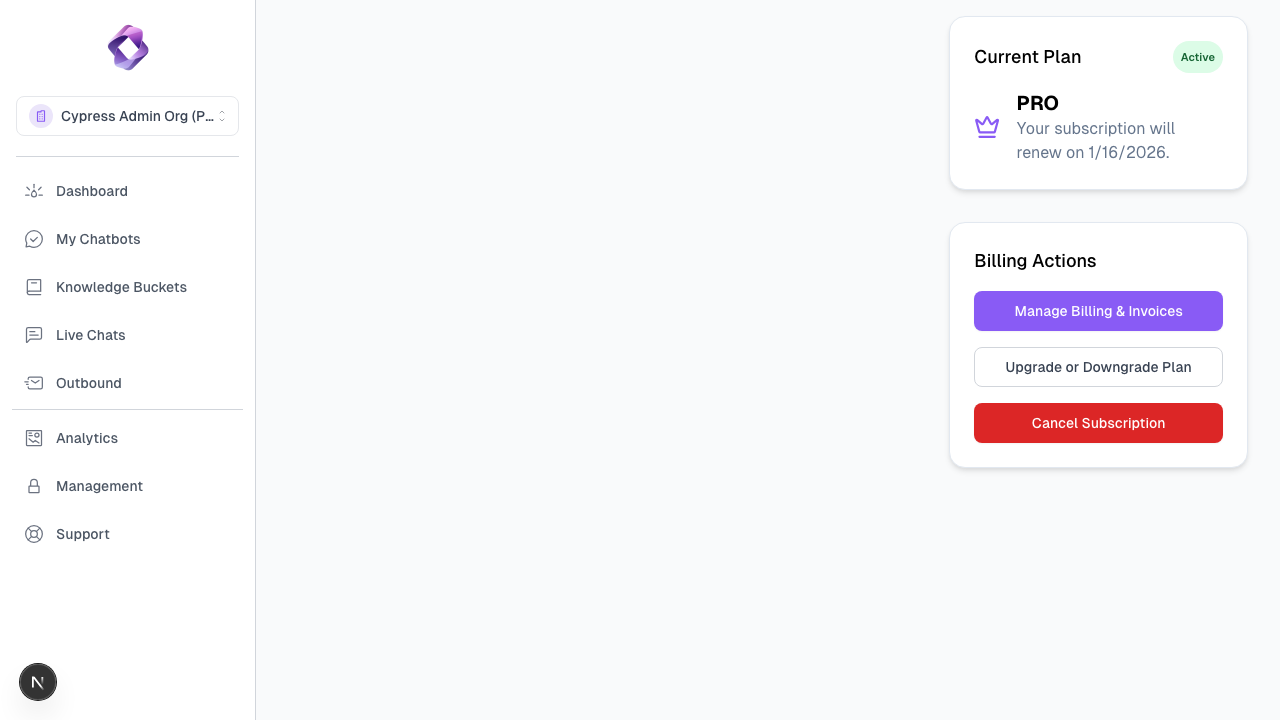
1. Agency Subscriptions
Texterz operates on a tiered subscription model. Your plan determines your global limits for bots, credits, storage, and team members.
Subscription Lifecycle
- Monthly Reset: Your credit quota resets on the first day of your billing cycle.
- Upgrades: You can upgrade your plan at any time to immediately increase your limits. The cost is prorated.
- Downgrades: Downgrades take effect at the end of the current billing cycle.
2. Credit Management
Credits are the currency of Texterz. They are consumed when bots generate responses.
Consumption Rules
- Text Responses: Credits are consumed based on the number of tokens processed.
- Premium Models: Models like GPT-4o consume significantly more credits per interaction than standard models.
- Vision/Image: (Coming Soon) Processing images consumes additional credits.
Auto-Recharge
To prevent service interruption, we recommend enabling Auto-Recharge:
- Navigate to Settings > Billing.
- Set a Threshold (e.g., 5,000 credits).
- Set a Recharge Amount (e.g., 50,000 credits).
- When your balance hits the threshold, your payment method will be charged automatically.
3. Stripe Connect for Agencies
As an agency (Pro/Enterprise), you can act as the billing provider for your clients.
How it Works
- Connect: Link your own Stripe account to Texterz.
- Define Plans: Create your own pricing tiers in the Management dashboard.
- Bill Clients: When a client (Sub-Org) signs up through your whitelabeled portal, they pay you directly through Stripe.
- Infrastructure Fee: You pay Texterz for the total aggregated consumption of all your clients.
4. Invoices & Receipts
All transactions are documented in the Billing History section. You can download PDF invoices for your accounting records.
Pro Tip
Monitor your Usage Summary in the Management dashboard to identify which clients are most profitable and adjust your own pricing accordingly.